In layman terms, Microsoft Excel is a software used to create spreadsheets for storing, organising, and manipulating data.
Course Overview
This 3-day Microsoft Excel course prepares you for the ICDL Module 4 Perform Spreadsheet Functions exam.
On top of that, you will learn how to accomplish basic tasks with Microsoft Excel such as creating a workbook, formatting text and cells, work with tables, and some advanced spreadsheet application data management, creating graphs and charts, and preparing the document for print.
Learning Outcomes
This is a bootcamp that provides students with the knowledge and skills necessary to navigate the Microsoft office software Microsoft Excel and formulate formulas to enhance productivity.
Course Outline
Microsoft Excel (2010) Module 1. Using Conditional and Custom Formats Module 2. Using Templates Module 3. Working with Databases Module 4. Working with Advanced Filters Module 5. Revising Charting Features Module 6. Creating/Revising PivotTables Module 7. Using Auditing Tools and Range Names Module 8. Exporting and Importing Data Module 9. Using Advanced Functions Module 10. Using Scenarios Module 11. Using Worksheet Protection Module 12. Tracking and Merging Workbooks Module 13. Recording Macros Module 14. Comments
Microsoft Excel (2013) Module 1. Exploring Microsoft Excel 2013 Module 2. Getting Help Module 3. Basic Workbook Skills Module 4. Selection Module 5. Working with Columns and Rows Module 6. Number Formatting Module 7. Text Formatting Module 8. Cell Formatting Module 9. Filtering Data with AutoFilter Module 10. Working with Tables Module 11. Basic excel Formulas Module 12. Cut, Copy and Paste Module 13. Data Management and data management formulas Module 14. Creating Charts Module 15. Using Page Setup Module 16. Printing
Course Fee after 95% Workfare Training Scheme (WTS) funding (inclusive of GST)*
$45.60
*If you are a Singapore Citizen 35 years old and above and earning less than $1900/month or less, you should have received a letter from WDA notifying you of your eligibility.
Upon completion of this module course under WDA funding, students will receive Statement of Attainment (SOA) Certificates from WDA. The details of SOA of each module are given below. IT-NMM-401S-1 : Install and configure a Switch IT-NMM-402S-1 : Install Switches and Multi-Switched local area network
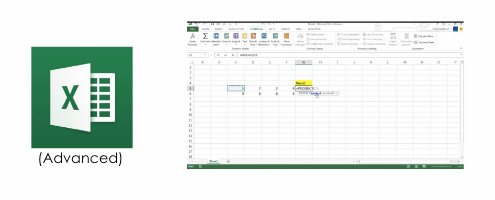
Learn advanced spreadsheet functions such as sorting query and link data, editing and enhancing numerics, and presenting advanced formatting operations on graphs and charts.
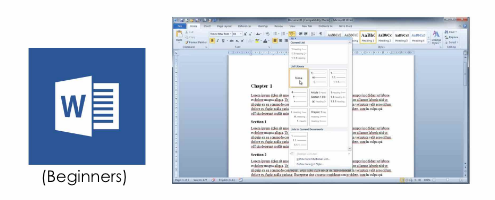
Acquire basic operational skills on Microsoft Word such as basic text editing, setting up a document, headers and footers, creating, and editing tables.
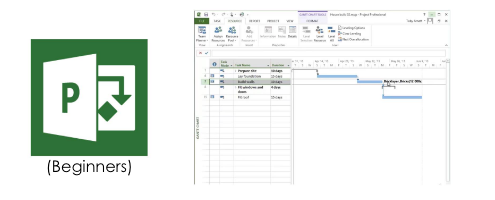
Learn basic project management, how to work with tasks and scheduling tools, how to assign budget and costs, and how to track progress in Microsoft Project.