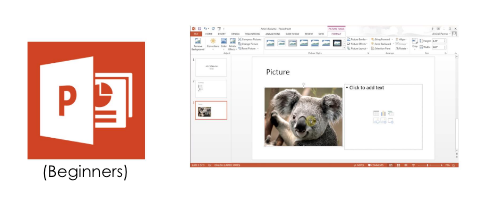
Microsoft PowerPoint is a slide show presentation software for creating professional "PowerPoint" slides. Use it to create amazing slides that will boost credibility when delivering your presentations.
Course Overview
This 3-day Microsoft PowerPoint Advanced course prepares you for the ICDL Module 6 Perform Advanced Presentation Functions exam.
On top of that, you will learn how to apply advanced formatting and layout techniques, enhance the presentation with the use of drawing and imaging tools, and create and use macros and multimedia effects.
Learning Outcomes
This is a bootcamp that provides students with the knowledge and skills necessary to install, operate, and troubleshoot a small to medium-sized network, including connecting to a WAN and implementing network security.
Course Outline
Microsoft PowerPoint Advanced (2010) Module 1. Creating Basic Charts Module 2. Creating Custom Charts Module 3. Using SmartArt Module 4. Using Slide Show View Module 5. Setting Up the Slide Show Module 6. Adding Special Effects Module 7. Expanding a Slide Show Module 8. Editing Presentation Masters Module 9. Editing Notes and Handout Masters Module 10. Customizing Presentations Module 11. Presenting to a Wider Audience Module 12. Importing and Exporting Outlines and Slides
Microsoft PowerPoint Advanced (2013) Module 1. Customizing Presentations Module 2. Formatting Bullets and Numbers Module 3. Editing Multiple Presentations Module 4. Using Tables Module 5. Inserting a Photo Album Module 6. Setting Up the Slide Show Module 7. Using Slide Show View Module 8. Expanding a Slide Show Module 9. Editing Presentation Masters Module 10. Creating Custom Charts Module 11. Editing Charts Module 12. Exporting Outlines and Slides Module 13. Presenting to a Wider Audience
Course Fee after 95% Workfare Training Scheme (WTS) funding (inclusive of GST)*
$50.40
*If you are a Singapore Citizen 35 years old and above and earning less than $1900/month or less, you should have received a letter from WDA notifying you of your eligibility.
Upon completion of this module course under WDA funding, students will receive Statement of Attainment (SOA) Certificates from WDA. The details of SOA of each module are given below. IT-NMM-401S-1 : Install and configure a Switch IT-NMM-402S-1 : Install Switches and Multi-Switched local area network
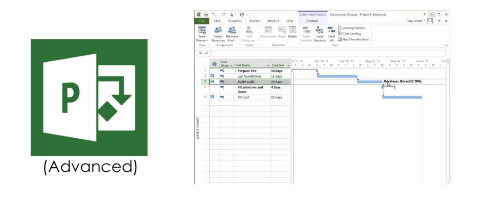
Learn more advanced project information customisation, tracking project progress, importing and exporting data, and working with graphics and web pages.
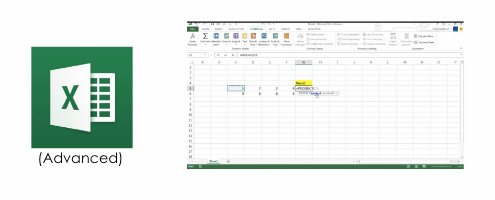
Learn advanced spreadsheet functions such as sorting query and link data, editing and enhancing numerics, and presenting advanced formatting operations on graphs and charts.
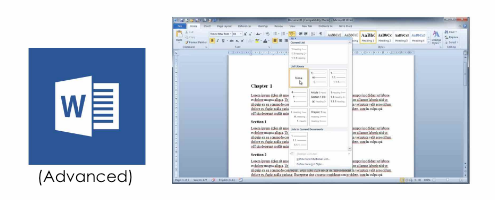
Learn advanced word processing outputs, illustrating sophisticated typographical, formatting and layout presentations, including tables, forms or graphics.